Travel Security: Scam-Proof Your Phone, Money & Accounts
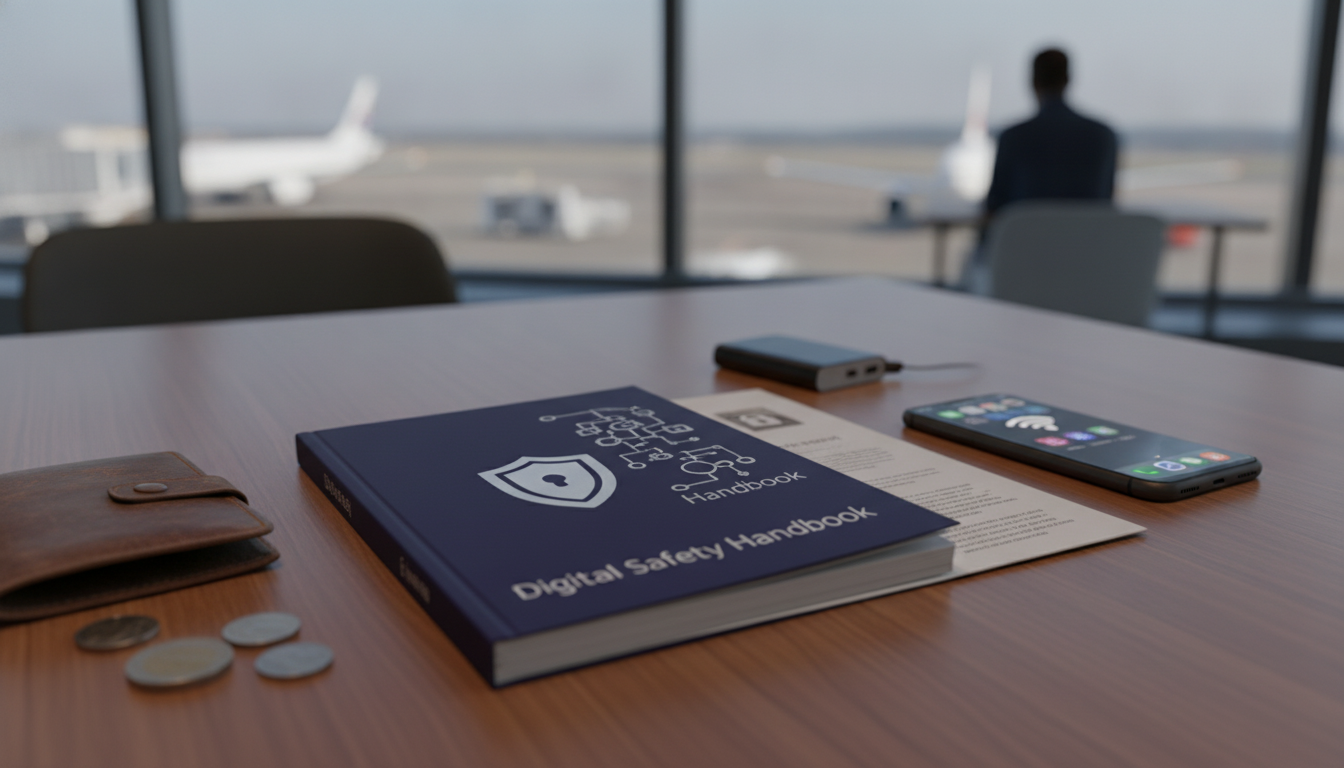
Travel Security & Scam Awareness: A Digital Safety Handbook for Tourists, Solo Travelers, and Business Trips
Travel risk has shifted. Street scams still happen, but many of the biggest losses now come from compromised phones, fake Wi‑Fi, stolen accounts, and high-pressure social engineering. A few smart habits—done before departure and repeated on the road—can protect identity, money, devices, and personal safety without turning your trip into a stress test.
For destination-specific alerts and local entry requirements, check the U.S. Department of State travel resources. For scam trends and consumer guidance, the Federal Trade Commission’s scam advice is a solid reference point.
A modern threat map: what travelers get targeted for
Money access
Card skimming, ATM swap tactics, and “helpful” strangers hovering near terminals are common patterns. Another classic: forced currency exchange tricks that push you into a terrible rate or an “extra fee” you didn’t agree to.
Identity and accounts
SIM swaps, stolen verification codes, login phishing, and fake support calls can lock you out fast. The goal is usually to take over your email first—because email resets everything else.
Device access
Shoulder surfing in airports, unlocked phone snatches, malicious charging ports, and spyware delivered via links or QR codes can turn one moment of distraction into weeks of cleanup.
Location and physical safety
Room-entry scams, ride-hail impersonators, distraction theft, compromised door locks, and stalking patterns often start with small “harmless” interactions designed to test boundaries.
Business travel risks
Conference-themed spear-phishing and hotel Wi‑Fi exposure are big ones. Attackers frequently use real event names, speaker lists, and calendar invites to look legitimate.
Before you go: a 30-minute security setup that prevents most disasters
- Separate what can be separated: keep a primary email for banking and sensitive accounts, and a travel email for bookings, loyalty programs, and sign-ups.
- Turn on multi-factor authentication: use authenticator apps or passkeys when possible; avoid SMS as your only option.
- Use unique passwords: a password manager helps eliminate reuse. Also replace “security questions” whose answers are searchable (school, hometown, etc.).
- Update and lock down your phone: install OS/app updates, enable encryption, require a screen lock, and confirm automatic backups are working.
- Reduce lockout risk: store recovery codes securely, add a second authentication method, and verify recovery email/phone are current.
- Create a lost-phone plan: write down bank numbers, card emergency contacts, and your device IMEI/serial; keep offline copies of key documents.
If you want these steps in a compact format you can open quickly on the road, consider keeping a dedicated reference like Travel Security & Scam Awareness Guide | Digital Safety Handbook for Tourists, Solo Travelers & Business Trips saved for offline access.
On the move: Wi‑Fi, charging, and public-space device safety
- Treat public Wi‑Fi as hostile: avoid banking and sensitive logins; prefer cellular data or a trusted hotspot.
- Verify network names: confirm with staff, and be wary of open networks with generic names or strange captive portal behavior.
- Disable auto-join: turn off auto-join Wi‑Fi and Bluetooth; restrict AirDrop/Nearby Share visibility in crowded areas.
- Use charge-only practices: bring a wall charger and your own cable; avoid unknown USB ports and public charging stations when possible.
- Protect screens and sessions: lock the device when standing up, use a privacy screen in busy terminals, and log out of shared kiosks immediately.
Quick safety choices by situation
| Situation | Safer option | Avoid |
|---|---|---|
| Hotel Wi‑Fi needed for work | Use personal hotspot or VPN; limit to necessary tasks | Accessing corporate admin tools on open Wi‑Fi |
| Phone battery low in transit | Wall outlet + own charger; carry power bank | Public USB ports and unknown cables |
| ATM withdrawal | Use bank-owned ATM inside a branch; cover keypad | Street ATMs with “helpers” lingering nearby |
| Ride pickup | Confirm plate/driver in-app; ask driver to confirm your name | Accepting rides from anyone claiming to be your driver |
| QR code for menu/tickets | Type the venue URL manually or use official app | Scanning random QR codes posted over existing signage |
Common scams and how to break the script (without escalating)
Solo travelers: boundaries, visibility, and personal safety routines
Confidence helps you hold boundaries without overexplaining. For travelers who want to practice calm communication and presence, Build Unshakable Confidence for Dating in 5 Days | Audio Program can also translate well to asserting yourself with strangers and navigating pushy situations.
Business trips: protecting company accounts, data, and reputation
If something goes wrong: a 15-minute response checklist
A ready-to-use handbook for travel security and scam awareness
For quick reference you can download and keep on your phone or laptop, see Travel Security & Scam Awareness Guide | Digital Safety Handbook for Tourists, Solo Travelers & Business Trips.
Long travel days also increase simple decision fatigue, which can make people easier to rush or pressure. Having routine supports—like a pre-planned food schedule—can help you stay steady. If that’s useful, Healthy Meal Plan & Recipe Collection can help keep travel days more predictable.
FAQ
Is public Wi‑Fi safe to use while traveling?
It’s often risky because traffic can be intercepted and fake hotspots can mimic real networks. Use cellular data or a trusted hotspot when possible, and avoid sensitive logins on public Wi‑Fi; a VPN can reduce exposure but doesn’t fix every risk.
What should be done first if a phone is stolen abroad?
Lock or wipe the device remotely and secure your primary email account first, since it controls most password resets. Then contact your carrier to block the SIM and move on to banking and travel accounts, while documenting the incident for reports and insurance.
How can solo travelers reduce the chance of being targeted?
Vary routines, keep valuables concealed, and use a check-in system with a trusted contact. Verify rides, hold firm boundaries with strangers, and choose well-lit, staffed routes and pickup points—especially at night.












Leave a comment